
Woodo Guides
How to play, how to find pieces, and how to finish the demo before September 16.
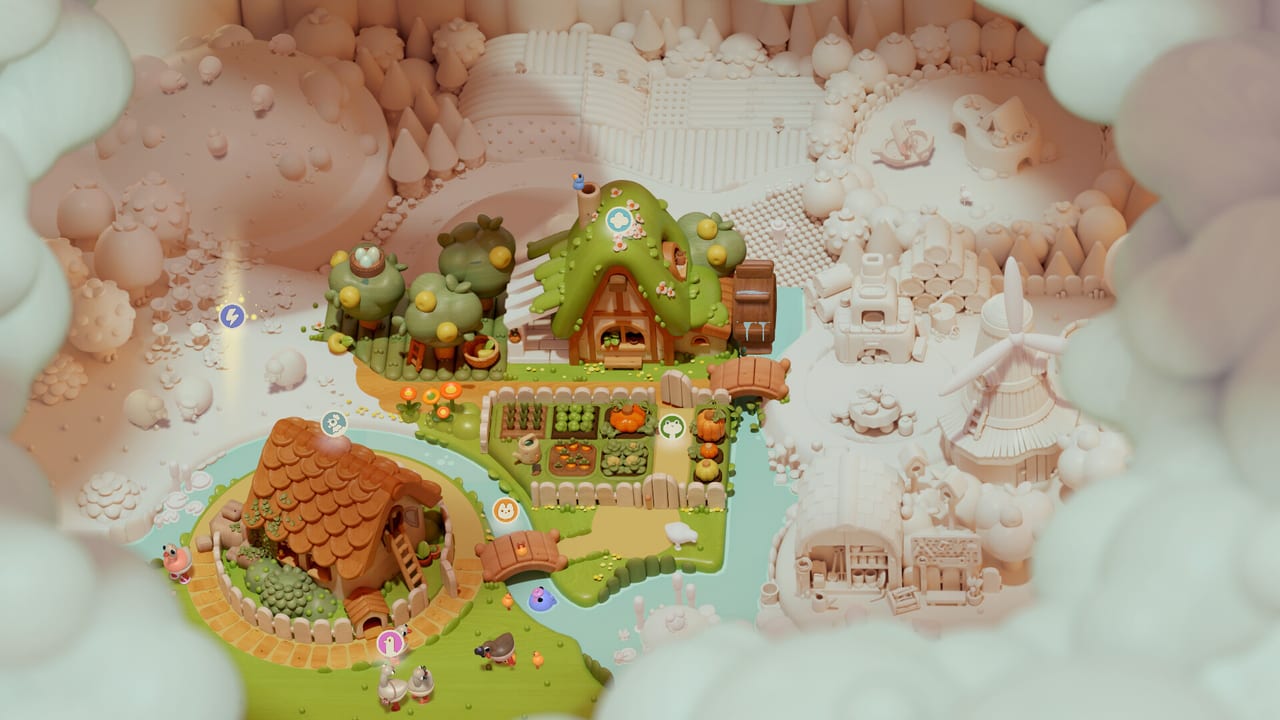
This hub is the map of every Woodo tutorial on the wiki. The game is a cozy 3D puzzle: you rotate a wooden diorama, match objects from a sidebar, and listen while Foxy narrates a countryside summer. There is no timer, no fail state, and no score chase. The work is spatial and tactile. If a cup will not sit, you are usually looking at the wrong face of the table.
Start with Getting Started if you have not placed a piece yet. Jump to Controls when mouse, gamepad, or Switch 2 mouse controls feel unclear. Use the demo walkthrough for the two playable scenes, then keep puzzle tips open when a socket hides behind a drawer. Raise effects and read soundtrack if you cannot hear the click.
What this hub covers
Woodo looks simple in trailers and still confuses people in the first ten minutes. Pieces are not dropped in a fixed sequence. Nested objects exist: a cupcake can be a mini-puzzle before it belongs on a plate. Narration waits on placement, so a stuck piece also stalls the story. These guides treat that loop as the real skill, not a hidden-object checklist.
- Getting Started — the core loop, hints, and what “coloring in” a scene actually means
- Controls — mouse, controller, Switch 2 Joy-Con mouse, and camera habits
- Demo walkthrough — intro plus two full dioramas, including the dusty loft
- Puzzle tips — how to find hidden sockets without spoiling every joke
- Story explained — Foxy, Ben, geese, and the tone of the summer tale
- Review — who the game is for, who should skip it, and how the demo feels
- Soundtrack — Don Roberts’ score, wooden clicks, and whether Deluxe’s album is worth it
Pair this hub with Characters when a name in the narration is new, and with Updates for the September 16 launch window. The scene list tracks dioramas shown in trailers and the demo so you can see what the full game is aiming at.
How to use the guides during a session
Play first, then read. Woodo’s pleasure is the click. A spoiler-heavy walkthrough can steal that click if you follow it tile by tile. Use Getting Started as a rules primer, then only open the demo walkthrough when you have already rotated a scene twice and still cannot see the socket.
If you are on the sofa with a pad, keep Controls nearby. Camera orbit and zoom matter more here than in a typical point-and-click. The puzzle tips page is the one to pin if you dislike backtracking along the sidebar after every miss.
Before you buy
The demo is the honest test. It is playable on Steam, PlayStation 5, Xbox Series, and Nintendo Switch. Two dioramas plus an introduction are enough to know whether the wood-grain close-ups and the narrator’s pacing will hold you for a full evening. After that, compare editions, confirm system requirements, and keep official store links handy.
This wiki is unofficial. When Tiny Monks Tales or Daedalic post a patch or a new trailer, we fold it into news and then into the relevant guide. If a control prompt in your build differs from these pages, trust the in-game overlay and send us the difference after launch week.
Frequently Asked Questions
Quick answers to the most common questions.
Do I need a guide to finish Woodo?
No. The game offers assistance and has no fail state. Use these pages when a hidden socket or camera angle stalls you, not as a mandatory checklist.
Which guide should I open first?
Open Getting Started for the loop, then the demo walkthrough only if a scene will not complete.
Are these guides spoiler-heavy?
The story page discusses themes and characters. The demo walkthrough names rooms and object types without listing every punchline. Skip story explained if you want narration fully cold.