
Woodo tools
Can your PC run it, and which rooms exist so far?
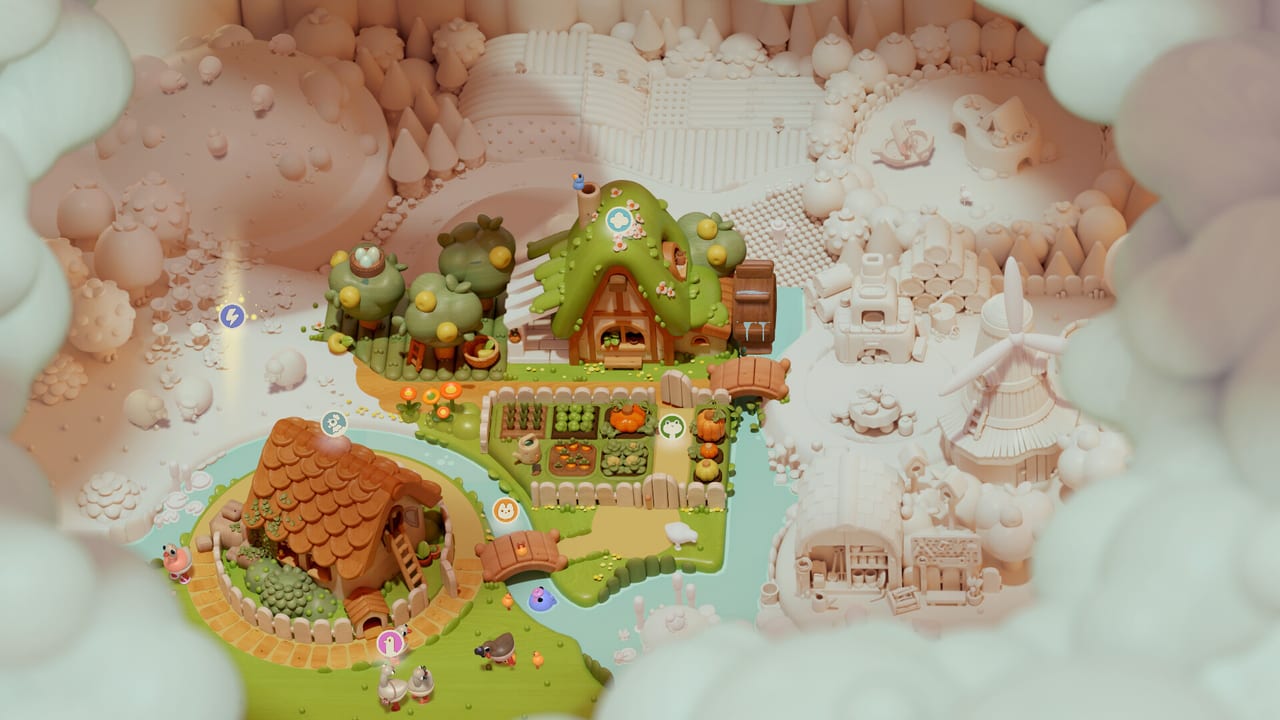
Woodo does not need a damage calculator. It needs two practical pages: whether your machine will orbit a diorama at a steady framerate, and which scenes you can actually expect. That is this hub.
- System requirements — Windows min/rec, storage, Deck, and console assumptions
- Scene list — intro, demo rooms, and trailer dioramas (breakfast, loft, shops, ship, village)
- Accessibility — no timer, hints, pale-wood contrast, audio clicks, Switch 2 mouse, Deck notes
If you came here looking for codes or a tier list, you are in the wrong genre. Woodo is a single-player story puzzle. The useful tool is a search method, which lives in puzzle tips, not a DPS sheet.
How to use these tools before September 16
- Check system requirements if you are on PC. The minimum GPU is a GTX 1050 Ti / RX 560 class card with 4 GB. Integrated graphics from a very old laptop may still stutter when a scene fills with particles.
- Skim the scene list so trailer variety does not fool you: the demo is two full dioramas plus an intro, not the ship and the whole village.
- Buy with editions and stores only after the demo has told you the truth. The demo walkthrough is the playable tool; this hub is the reference tool.
What we will add after launch
- A checklist version of the scene list you can scan while you play
- Patch-by-patch requirement changes if a day-one update bumps DirectX or storage
- Note on save-file location if PC players start asking
We will not add fake interactive widgets that guess piece locations. That would spoil the click the game is selling. If a community overlay appears, we will link it from community with a spoiler warning, not embed it as a default.
Related play pages
New to the toy? Getting Started and Controls. Stuck? Puzzle tips. Shopping? Release date. Story? Foxy and Ben.
This hub stays short because the tools are short. If a page here ever grows a banner ad for a Roblox script, you are on a different website.
What a tool is allowed to be here
A requirements table is a tool. A scene index is a tool. A spoiler overlay that seats every cup for you is not a tool we will ship. Woodo’s designers spent years on the click; skipping it with a widget is rude to the toy and to you.
If you want a physical tool, deluxe already thought of that: printable Foxy and Ben models, a map poster, sticker sheets. Those live on editions, not in this hub’s download folder. We will not host the PDFs. Buy the SKU or print nothing.
Controller questions are not tools either — they are Controls. Language questions are release date. “Is Ben a frog I place or a friend I meet?” is Ben the Frog. Keep this hub boring. Boring is how you avoid installing the wrong game.
Frequently Asked Questions
Quick answers to the most common questions.
Does Woodo need a high-end PC?
No. Minimum is a GTX 1050 Ti / RX 560 class GPU and 4 GB RAM. See system requirements.
Is there a Woodo interactive map?
Not officially. Use the scene list as a room index. Each diorama is a tiny stage, not an open world.
Are there codes or a tier list?
No. Woodo has no promo-code economy and no ranked characters. Guides and scenes are the useful pages.