
Play Woodo at your pace
No fail banner, optional hints, and a click that works even when color is hard to read.
Woodo is sold as comfort. That only counts if the toy still works when your hands, eyes, ears, or patience are not a press-kit ideal. This page gathers what the demo, store pages, and Tiny Monks Tales have actually said about assistance, contrast, audio, and input. It is not an official VPAT. Pair it with Controls, puzzle tips, and system requirements.
There is no competitive leaderboard. If a setting helps you finish a breakfast table, use it. The review is honest that challenge hunters may get bored. That boredom is a feature for everyone else.
What is already designed in
- No timer. Official copy repeats this. You cannot fail a clock you do not have.
- No “mission failed” state. Wrong placements refuse. They do not break the diorama.
- Assistance. The game can offer help when you stall. That is part of the product, like a grandparent pointing at a missing chimney. Take it after two full orbits, not after twenty seconds, and not after twenty angry minutes. Details live on Getting Started.
- Pace-adaptive narration. Lines wait on your placements. You are not talked over while you hunt a drawer.
- Single-player only. Nobody is waiting in a lobby. See facts for the September 16 date and platform list.
If you came here from an action-game wiki looking for difficulty sliders named Easy/Hard, you will not find a ranked ladder. You will find a hint and a slower camera.
Sight: pale wood vs paint
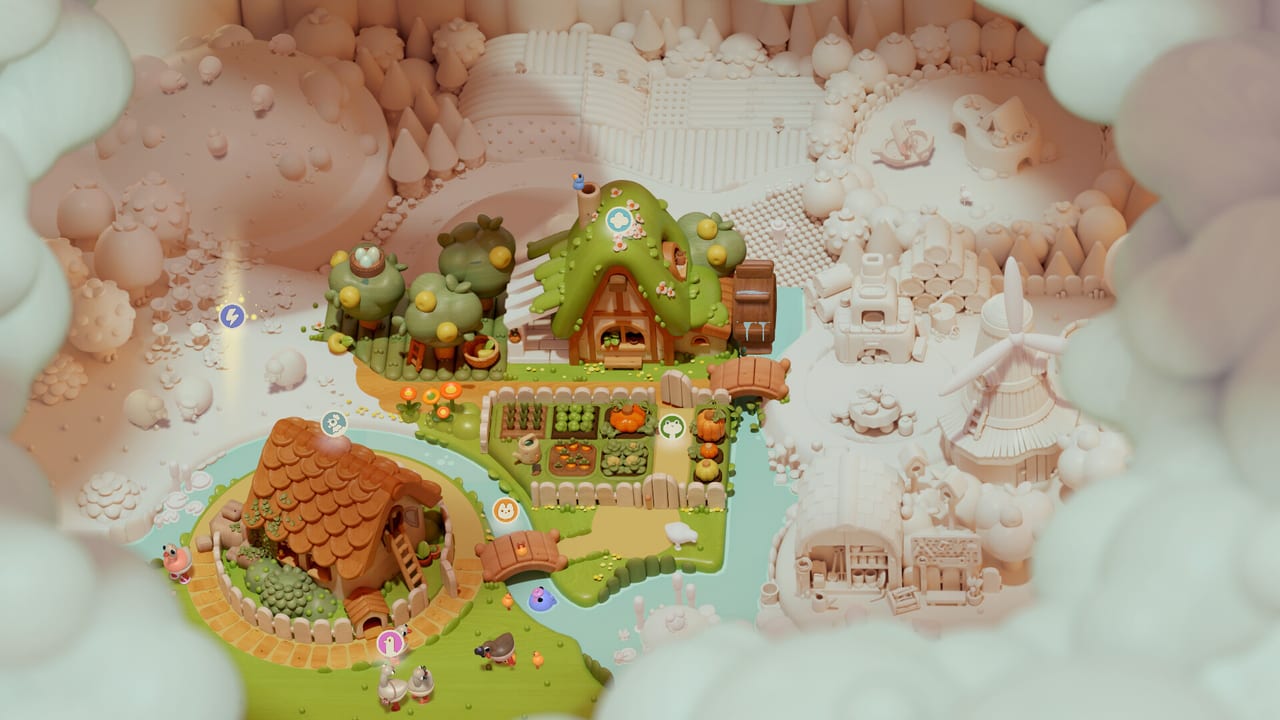
Unfinished surfaces stay raw maple. Finished objects wear color and often a tiny animation. That contrast is the main readability trick. It is also the search method on puzzle tips: stop grabbing, orbit until you see untreated wood.
There is no official color-blind itemized report yet. Practical habits from the demo:
- Trust silhouette, not theme. A cat does not sit on a hearth because “cats like fire.” It sits on the peg that matches its haunches.
- Zoom until grain is ugly. Many sockets only read at close range.
- Use the click as a second channel if pigment bloom is hard to see. The soundtrack page explains why effects should sit above music.
- If a scene goes from pale to saturated fast, orbit 20 degrees. A nearby unfinished patch can hide in the glow.
Hearing
A seated piece taps. A rejected hover is quiet. That pair is the cheapest extra HUD in the game. Headphones help in a shared room. Preview writers who enjoy ASMR often drop music entirely; that is allowed. There is no story exam at the end of a track.
English Foxy is Miriam-Teak Lee. Full audio at launch covers eight languages; 19 languages have interface and subtitles. If you need subtitles in a language that is not voiced, that is a supported path — release date lists the split.
Hands, cameras, and platforms
- Mouse on PC is the intended instrument. Point at a peg the way you would lower a figurine.
- Gamepad works in the demo. Early notes said rumble was unfinished and off by default; do not wait for vibration as a hint channel until a launch patch says otherwise (news).
- Switch 2 Joy-Con 2 mouse is the console answer to PC aiming. Switch 1 still plays; zoom more on a small panel.
- Steam Deck is playable with early support and no polished touchscreen path. Use trackpads or a Bluetooth mouse. Do not assume Verified on day one.
One-handed play is kinder with mouse or Joy-Con mouse than with dual-stick orbit. Lower camera sensitivity before you lower “difficulty.” Most pad mis-seats are overshoot. See Controls.
Cognitive load
Nested toys (a cupcake built before it sits on a plate) are the main surprise. The demo walkthrough names rooms without listing every gag. If nested puzzles make you angry, Woodo may not be your evening — the review says so plainly.
If rummaging soothes you, keep the scene list as a packing list, not a spoiler overlay. We will not ship a widget that seats every cup. That would steal the click the audio department spent years on.
After September 16
If the finished build adds a larger subtitle size, a high-contrast toggle, or a remappable pad chart, this page will gain a row. Until then, do not invent a settings menu the demo did not show. Confirm hardware on system requirements, then play the demo from stores.
Frequently Asked Questions
Quick answers to the most common questions.
Does Woodo have a fail state?
No. Wrong placements refuse without breaking the scene. There is no timer and no mission-failed banner.
Are hints allowed?
Yes. Assistance is part of the design. Use it after two orbits. See puzzle tips.
Is Woodo color-blind friendly?
There is no official report yet. Pale-versus-painted wood plus the confirm click are the two practical channels.
What input is easiest?
Mouse on PC, or Switch 2 Joy-Con mouse. A gamepad works; slow the camera. Details on Controls.